Plant Disease Identifier App in 2026

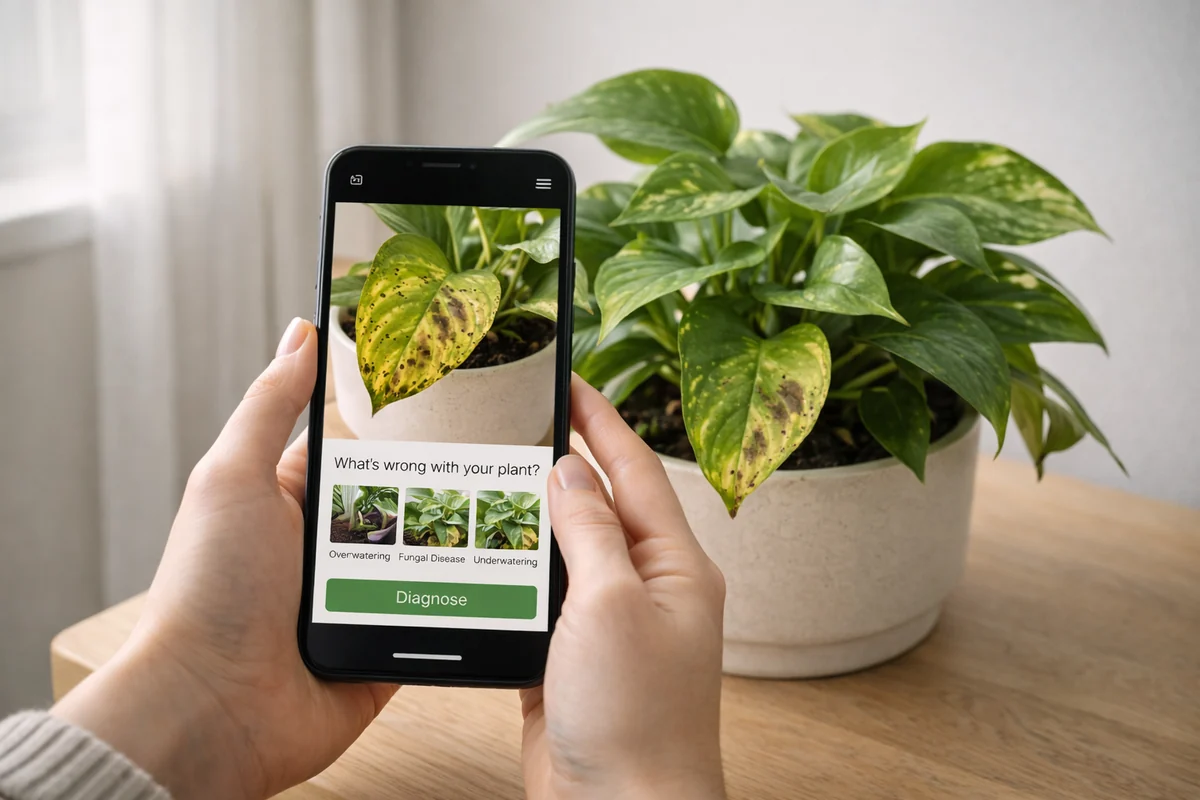
🔍 Review Method
How we evaluated plant disease identifier workflows
Criteria
We compared diagnosis workflows by symptom recognition, cause separation, triage speed, context handling, action clarity, and recovery follow-up.
Workflow checks
Each recommendation is based on realistic plant-problem flows: review symptoms, add recent care context, separate lookalike causes, choose one correction, and monitor new growth.
Review cadence
This page was reviewed on April 17, 2026. Rankings should be revisited when diagnosis workflows, app features, platform support, or recovery guidance changes.
🔍 Evaluation Framework
What matters most in a disease identifier app
Symptom recognition
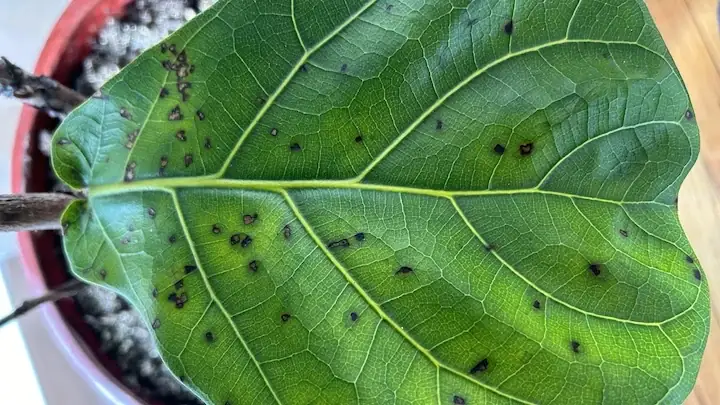
Can the app identify likely disease or stress patterns from realistic photos?
Cause separation
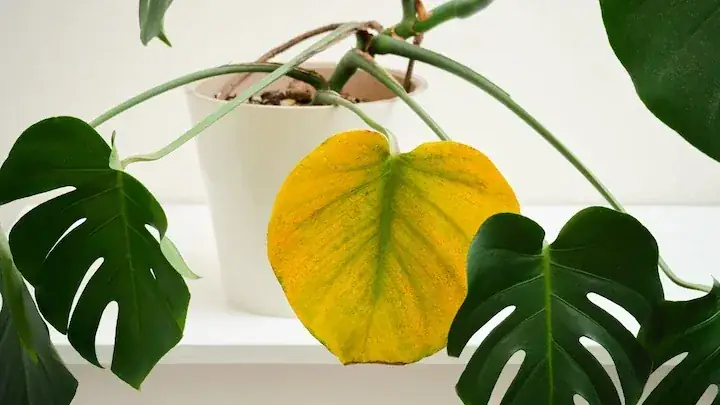
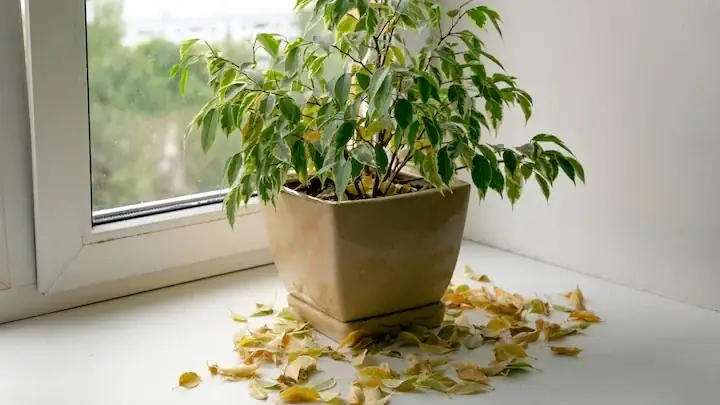
Does it separate similar symptoms, like overwatering versus pathogen pressure?
Triage speed
How quickly can you move from symptom to a practical first correction?
Context handling
Does diagnosis quality improve with watering, light, and history context?
Action clarity
Do recommendations tell you what to do next in clear, low-risk steps?
Recovery follow-up
Can you track whether the applied fix is actually improving new growth?
Disease identifier comparison
Legend: High Medium Low
| App | Symptom accuracy | Cause separation | Action clarity | Follow-up tracking | Beginner usability |
|---|---|---|---|---|---|
| Plantology Editor's pick | |||||
| PictureThis | |||||
| Plant Parent |
Why Plantology is our top disease identifier choice
Plantology is the strongest choice for people who need diagnosis plus action. It is built to reduce trial-and-error by combining symptom checks with context and practical next-step guidance.
- Faster diagnosis workflow: symptom triage is designed for real home-growing conditions.
- Better cause separation: helps distinguish lookalike problems before you over-correct.
- Actionable recovery: clear steps help users avoid stacking risky changes at once.
- Tracking support: easier to verify if treatments are improving new growth over 7 to 14 days.
Plantology In Practice
From symptom to next step
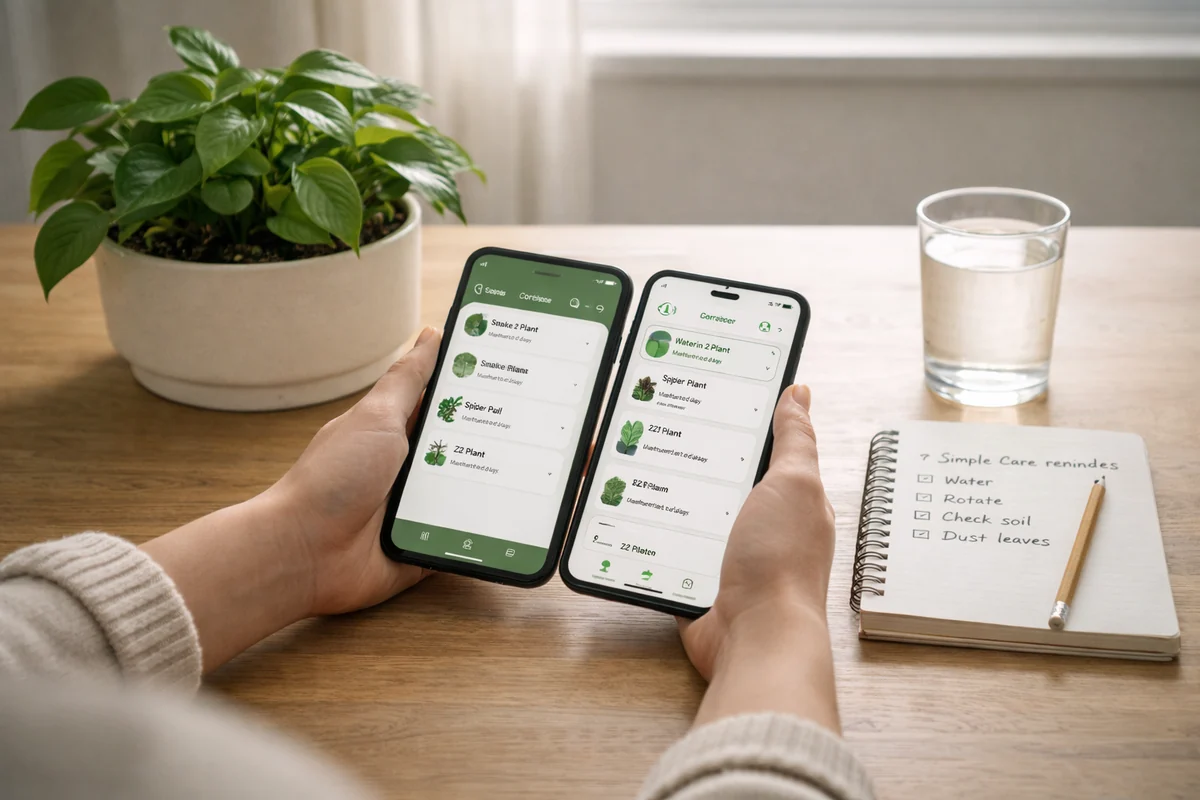
Move from visible symptoms to practical care actions without switching between disconnected tools.
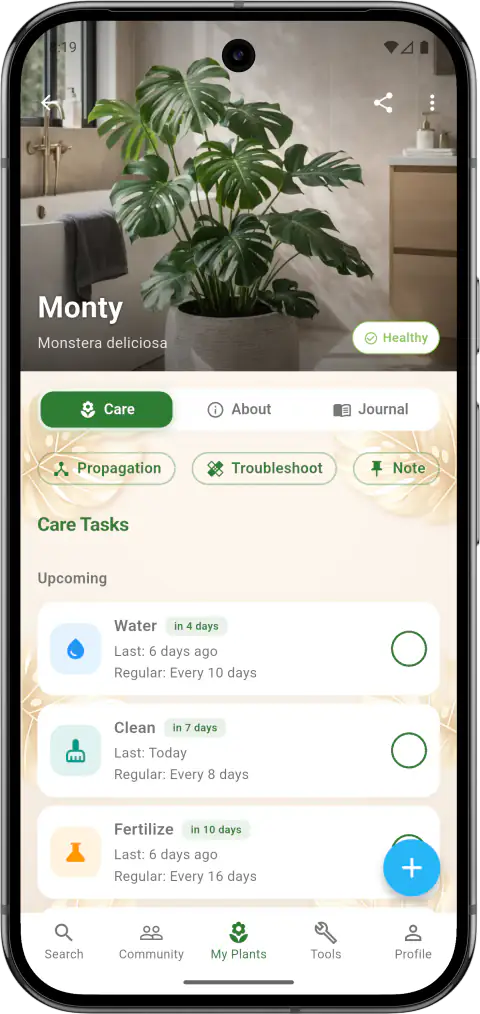
Capture and triage
Log symptom photos and identify likely problem patterns quickly.
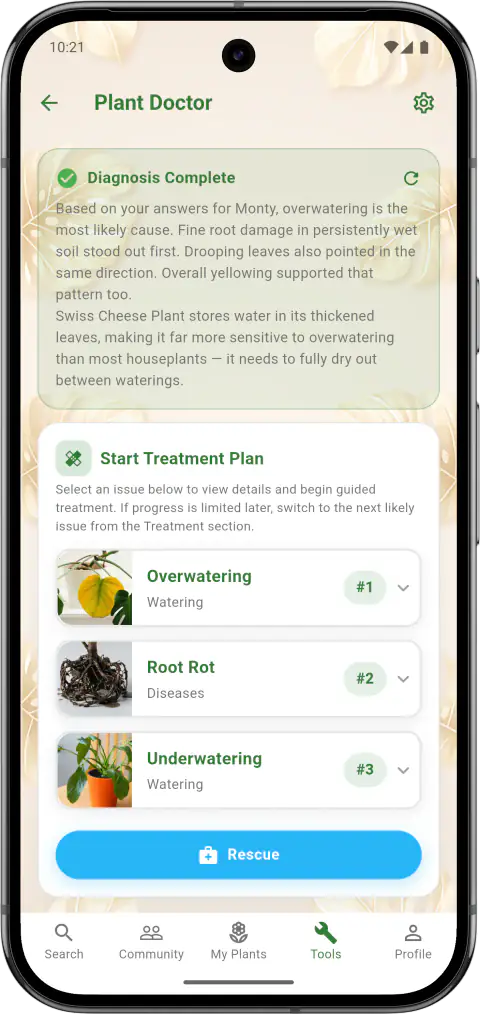
Validate causes
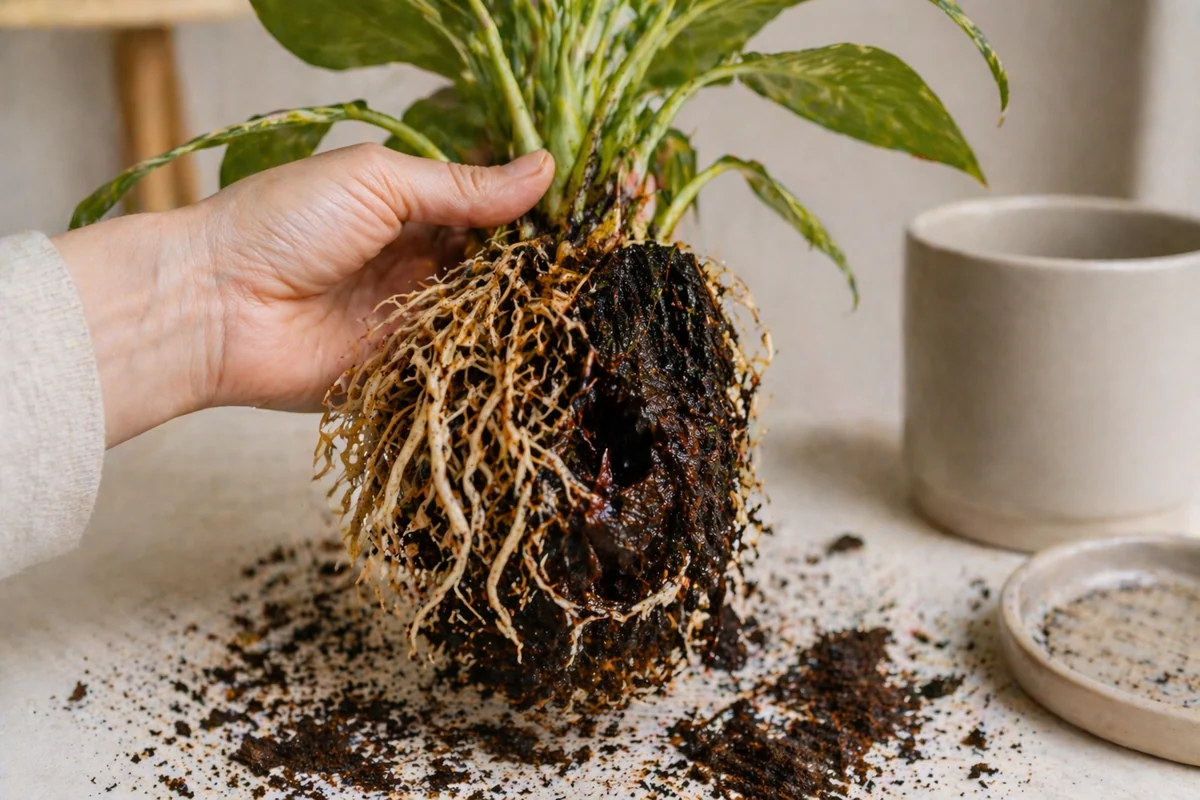
Use moisture and recent care context to reduce false assumptions.
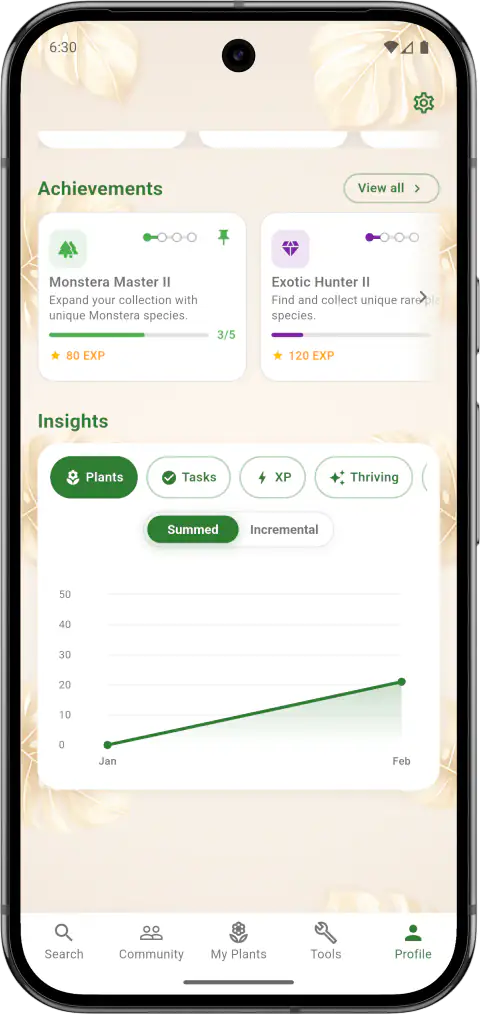
Apply and review
Follow recovery actions and track whether new growth is stabilizing.


Frequently Asked Questions
It can narrow likely causes, but quality depends on whether the app combines symptom detection with context like watering, light, and recent care changes.
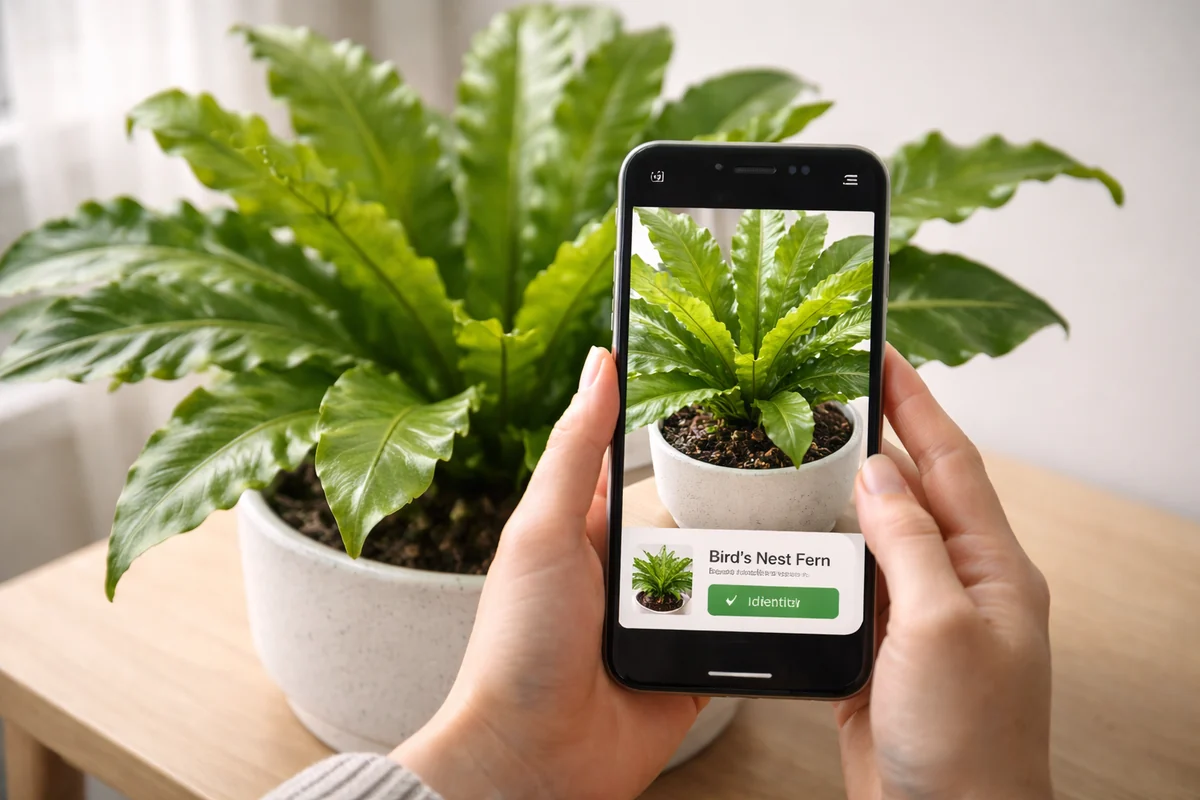
Yes. A plant identifier app names species, while a disease identifier workflow focuses on symptom patterns and next-step treatment decisions.
Treat it as guided decision support: verify moisture and root status, apply one correction at a time, and monitor new growth before changing additional variables.
Sometimes, but confidence improves when symptoms are reviewed with multiple photos and recent care context instead of a single image alone.
Plantology
Keep learning and caring with confidence
Use Plantology to solve plant problems sooner, stay consistent with care, and choose plants that fit your home.