Photo workflow
Can you add a clear overall photo and useful close-ups of leaves, stems, flowers, or bark?
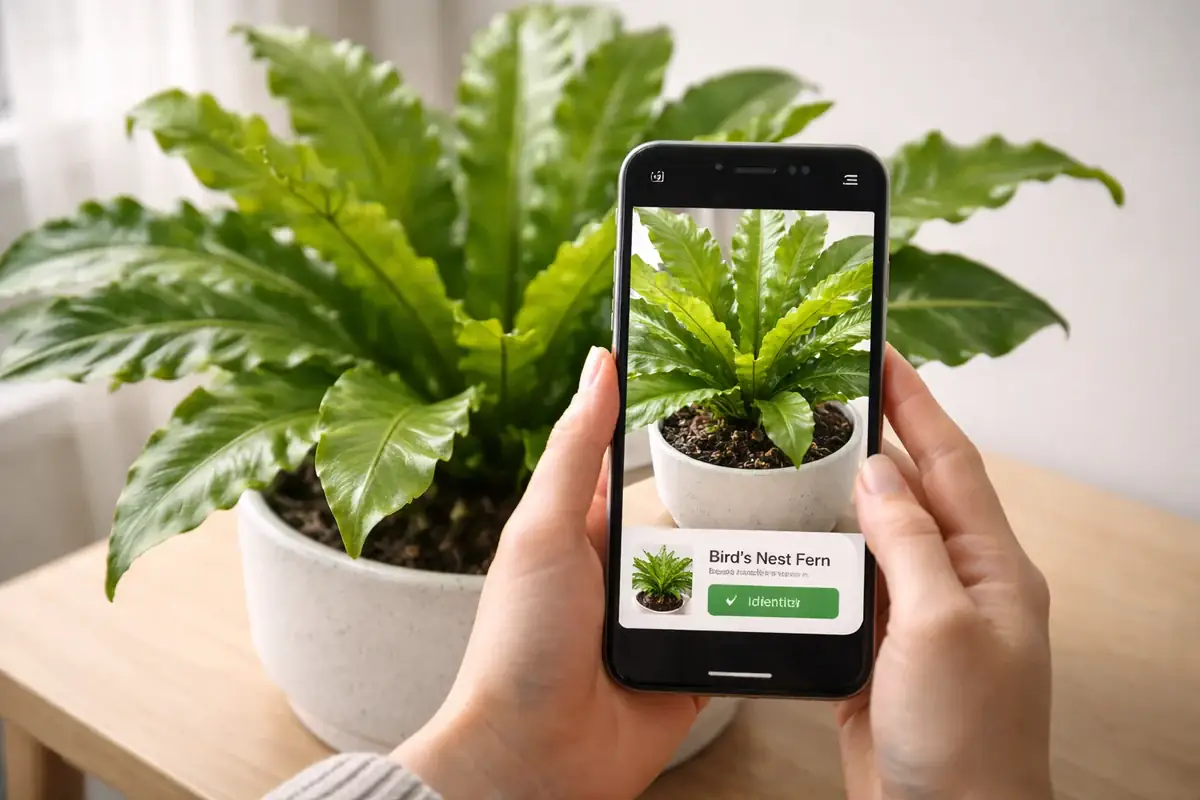
Plant Care Lab · Practical comparison
A plant identifier is most useful when it helps you make a safer next decision. This comparison focuses on photo workflow, uncertainty, follow-up care, and what to verify before trusting a result—not invented accuracy percentages.
How to choose
Can you add a clear overall photo and useful close-ups of leaves, stems, flowers, or bark?
Does the experience leave room for a short list of candidates instead of implying every result is certain?
After a name is suggested, can you move to light, watering, toxicity, and troubleshooting context?
Can you save, search, revisit, and export identifications without creating more friction than a note?
Are privacy, subscription, platform, and diagnosis limits easy to understand?
Side by side
There is no controlled benchmark behind these rows. Use them as a decision map, then verify current features, pricing, platform support, and privacy terms for your situation.
| App or approach | Consider it when | Trade-off to understand | Verify before choosing |
|---|---|---|---|
| Plantology | Consider it if you want identification connected to care guidance and plant-problem follow-up. | A broader care workflow can feel unnecessary when you only need a one-time name for a wild plant or garden observation. | Check current coverage for your collection, how uncertainty is presented, and current platform and plan details. |
| PictureThis | Consider it if fast photo identification is your primary task and you want a dedicated identification experience. | Fast naming and long-term care tracking are separate needs; make sure the follow-up guidance is enough for your use. | Review current subscription terms, privacy choices, candidate confidence, and what the product says about diagnosis. |
| PlantNet | Consider it if you value image-based identification connected to a research and observation-oriented project. | An observation-oriented workflow may not provide the household reminder and care-history features you expect from a care app. | Check the current regional coverage, project workflow, and whether you need a separate source for care decisions. |
| Seek by iNaturalist | Consider it if learning through observation and exploration matters more than maintaining a home-plant collection. | Exploration is not the same job as tracking watering, repotting, or recurring indoor-plant problems. | Decide whether its current observation flow fits your subject matter and whether you need a separate care record. |
| A camera plus a reference source | Consider it if you prefer to compare candidates yourself and keep a durable note of the evidence. | Manual comparison takes more time and requires you to know which visible traits separate close candidates. | Use multiple photos and a reputable reference; do not make a major care or toxicity decision from one uncertain match. |
Workflow notes
A useful identification begins with a well-lit overall photo and close-ups that show diagnostic traits. Remove glare, include scale when useful, and photograph more than one part of the plant.
Species and cultivar names can be difficult to separate from one photo. Compare the proposed name with visible leaf arrangement, growth habit, flowers, stems, and the plant's context.
Once you have a plausible identity, verify the care implications separately. Light, watering, substrate, toxicity, and seasonal response should not be inferred from a name alone.
If two candidates remain plausible, save the photos and the reason for uncertainty. A future flower, mature leaf, or better photo may resolve the question without guesswork.
A quick decision path
Questions people ask
The useful part is the handoff from a candidate name to evidence and a cautious next step. Good workflows help you improve the photo, compare alternatives, and verify care or toxicity information before acting.
No. One photo can be a helpful starting point, but confidence depends on the visible traits, plant maturity, image quality, and how similar the alternatives are. Use additional photos when the decision matters.
Use the app as a lead, not the final authority. Confirm rare or toxic identifications with a reliable botanical or veterinary source before making a care, handling, or household-safety decision.
This page does not claim a controlled accuracy ranking. Plantology owns the product and publishes the comparison, so it explains the workflow and limitations openly instead of presenting fabricated benchmark or review data.
See the Plant Care Lab review methodology for the editorial scope, what counts as evidence here, and how the page is updated when product workflows change.